The overnight support queue is already triaged. Invoice mismatches are flagged. Three new hires have their accounts, welcome emails and orientation invites waiting. Nobody pulled an all-nighter. An AI agent did the legwork.
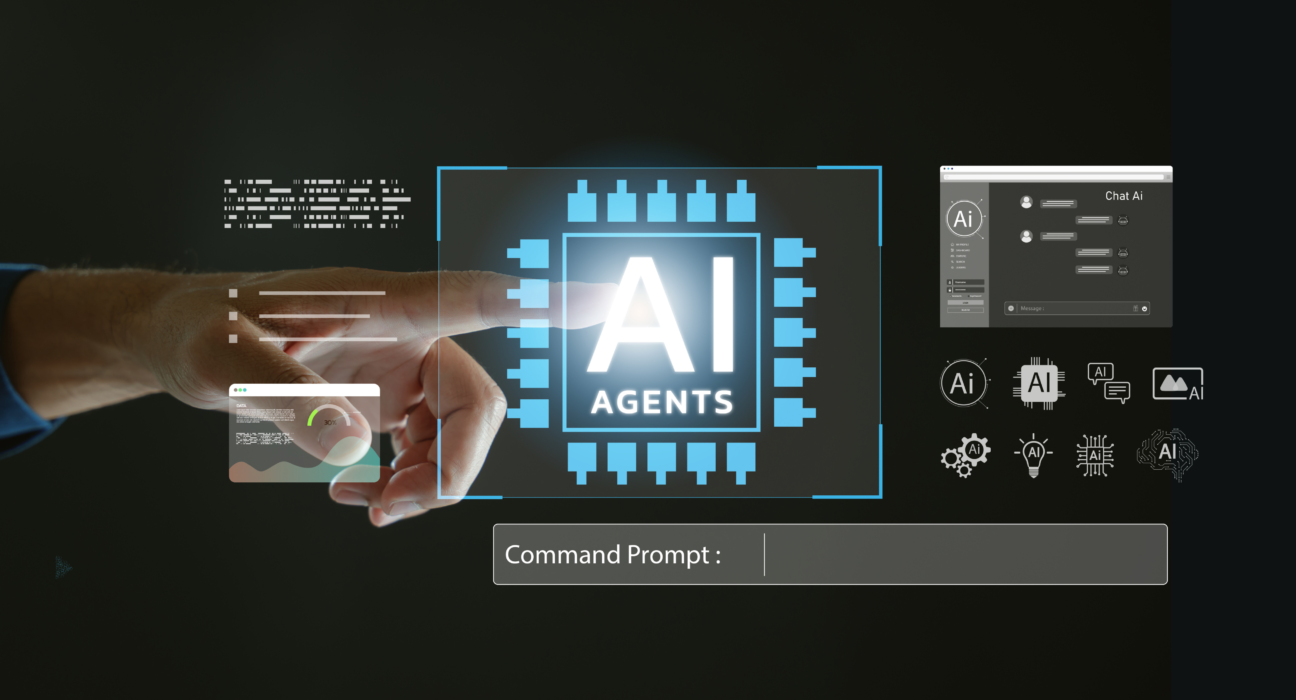
That isn’t science fiction, and it isn’t the same as a chatbot. A chatbot answers questions. An AI agent takes a goal, plans the steps, uses your business tools and gets the task done. The hype around AI agents for business is loud. The more useful question is a quieter one: which processes can agents actually run today?
Here are seven, plus three you should keep firmly in human hands.
Seven business processes AI agents can automate today
1. Customer support triage and resolution. The agent reads each ticket, checks the customer’s history, resolves routine requests such as order status, password resets and refunds within policy, and passes tricky cases to a person with a clear summary. Humans keep: complaints, exceptions and emotionally charged conversations.
2. Invoice and expense reconciliation. It matches invoices to purchase orders, spots mismatches and chases missing documents. Humans keep: approving exceptions.
3. IT service-desk requests. Access requests, software provisioning and first-line troubleshooting are repetitive and well documented, which makes them ideal. Humans keep: approvals that carry security risk.
4. Procurement follow-ups. The agent chases quotes, compares vendors against your criteria and drafts purchase requests. Humans keep: final vendor selection and contract negotiation.
5. Sales lead research and routing. It enriches new leads, scores them, routes them to the right rep and drafts a first outreach note. Humans keep: the relationship and the negotiation.
6. HR onboarding workflows. Account creation, document collection, orientation scheduling and FAQs happen across several systems, exactly where agents shine. Humans keep: the welcome, the culture and the manager conversations.
7. Compliance document checks. The agent reviews documents against a checklist and flags what’s missing or inconsistent. Humans keep: interpretation and sign-off.
Notice the pattern? Every one of these is high-volume, rule-based, multi-step and spread across several systems. That combination is the sweet spot for agentic AI.
Three tasks to keep human
Not everything that can be automated should be. Keep these with people:
- Final legal or regulatory decisions. An agent can prepare the file. A qualified person decides.
- Large payments without approval. Speed is never worth an unreviewed transfer.
- Sensitive people decisions. Hiring, firing and performance outcomes need judgement, context and accountability.
The rule of thumb: when the cost of a mistake is high and accountability can’t be delegated, keep a human in the loop.
How to choose your first AI agent use case
Before you build anything, ask:
- Volume: Does this happen often enough to matter?
- Rules: Could you write the steps on a single page?
- Measure: Can you track time, errors or cost before and after?
Three yeses? You’ve found a candidate. One or two? Keep looking, or fix the process first. Automating a broken process only helps you do the wrong thing faster.
What separates agents that work from agents that stall
Even the perfect use case struggles without three basics:
- Connected systems. An agent can only act on systems it can reach, so APIs and integration matter as much as the AI itself.
- Clean, accessible data. Agents reason over what they can see. Messy data means shaky decisions.
- Guardrails. Approval gates, activity logs and clear limits keep autonomy safe.
Start small, measure honestly, then expand. Results depend on your data, your processes and how well your people adopt the change.
Frequently asked questions
What is an AI agent in business? An AI agent is software that takes a goal, plans the steps, uses your business tools and completes the task, escalating to a person when needed. Unlike a chatbot, it acts rather than just answers.
Which business processes can AI agents automate? Typically high-volume, rule-based, multi-step work such as support triage, invoice reconciliation, IT requests, procurement follow-ups, lead routing, onboarding and compliance checks.
Are AI agents safe for business use? They can be, with least-privilege access, human approval for high-risk actions and audit logs. Safety depends on how you design and govern them.
Your next step
Bookmark this list and share it with whoever owns operations, IT or customer experience. The next time someone asks, “Where do we start with AI?”, you’ll have seven answers and a way to choose between them.
Find your first agent use case. Talk to Evvo. Our AI team will help you spot the processes worth automating, and the ones worth leaving alone.
Give a read: AI Trends 2027: 7 Predictions That Will Decide the Hype